Written by Stephen Leahy · Last updated 30 September 2026
Quick answer: the best free CRM for a small business is the one that fits how you work, lets you add custom fields for campaign data, and gives you room to grow. HubSpot, Zoho CRM, Bitrix24, Brevo, and Capsule all offer free plans, but limits change often and reviewers disagree on the details, so check each provider’s current plan before you commit.
A CRM is where your leads live after they fill in a form, which makes it the other half of your tracking setup. It is also where you can see which campaigns produced real customers, as we explained in lead attribution without cookies. You don’t need to spend money to start. This guide explains what to look for in a free CRM, compares five well-known options, and shows how to test one properly.
This comparison is based on published plan information, not hands-on testing of every tool, and free plans change. Confirm current limits on each provider’s own site.
What should a free CRM include?
Before comparing names, decide what matters to you. For a small business that cares about marketing results, these are the essentials:
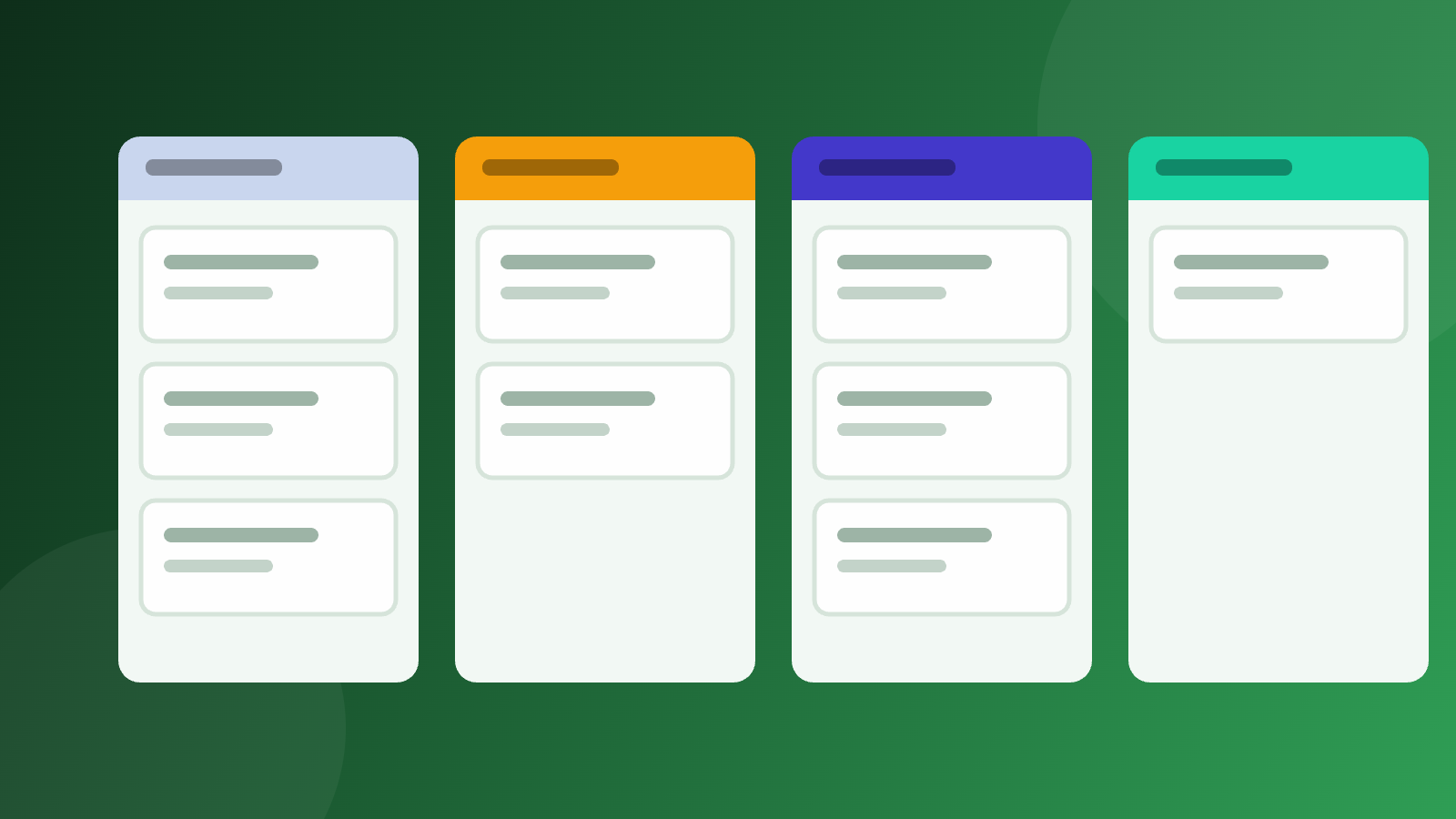
- Contact and deal management, with a simple pipeline you can understand at a glance.
- Custom fields. You need somewhere to store campaign source, medium, and campaign name on each lead.
- Web forms, ideally with support for hidden fields, so campaign data can travel with each submission.
- Email integration, so conversations are logged against the right contact.
- Data export, so you are never locked in.
- A sensible upgrade path, in case you outgrow the free plan.
Free CRM options compared
| CRM | Typically suits | Check before you choose |
|---|---|---|
| HubSpot | Small businesses that want room to grow and a large integration ecosystem | Current free-plan limits on users and contacts (published figures vary), and which reporting and export features need a paid plan |
| Zoho CRM | Very small teams that want customisation | The number of users and records on the free plan, the lack of automation, and whether you find the interface cluttered |
| Bitrix24 | Teams that want CRM and project tools in one place | The learning curve, and which features sit behind paid plans |
| Brevo | Businesses where email marketing drives most activity | Daily email sending limits and how early the upgrade prompts appear |
| Capsule | Simple, contact-first tracking with no clutter | User and contact limits on the free plan |
There is no universal winner. A solo consultant, a five-person sales team, and an online shop each need something different.
Why custom fields matter for marketing attribution
If you want to know which campaign produced a lead, the CRM must be able to store that information. That means custom fields for source, medium, and campaign, plus a form tool that can fill them from hidden fields. Check this in any free plan first, because some tools restrict custom fields or form features to paid tiers. Our guide to UTM parameters explains the tags, and the tracking plan is where you record which fields you need.
How to test a free CRM before you commit
- Create your campaign fields for source, medium, and campaign.
- Build a test form on your site with hidden fields for those values.
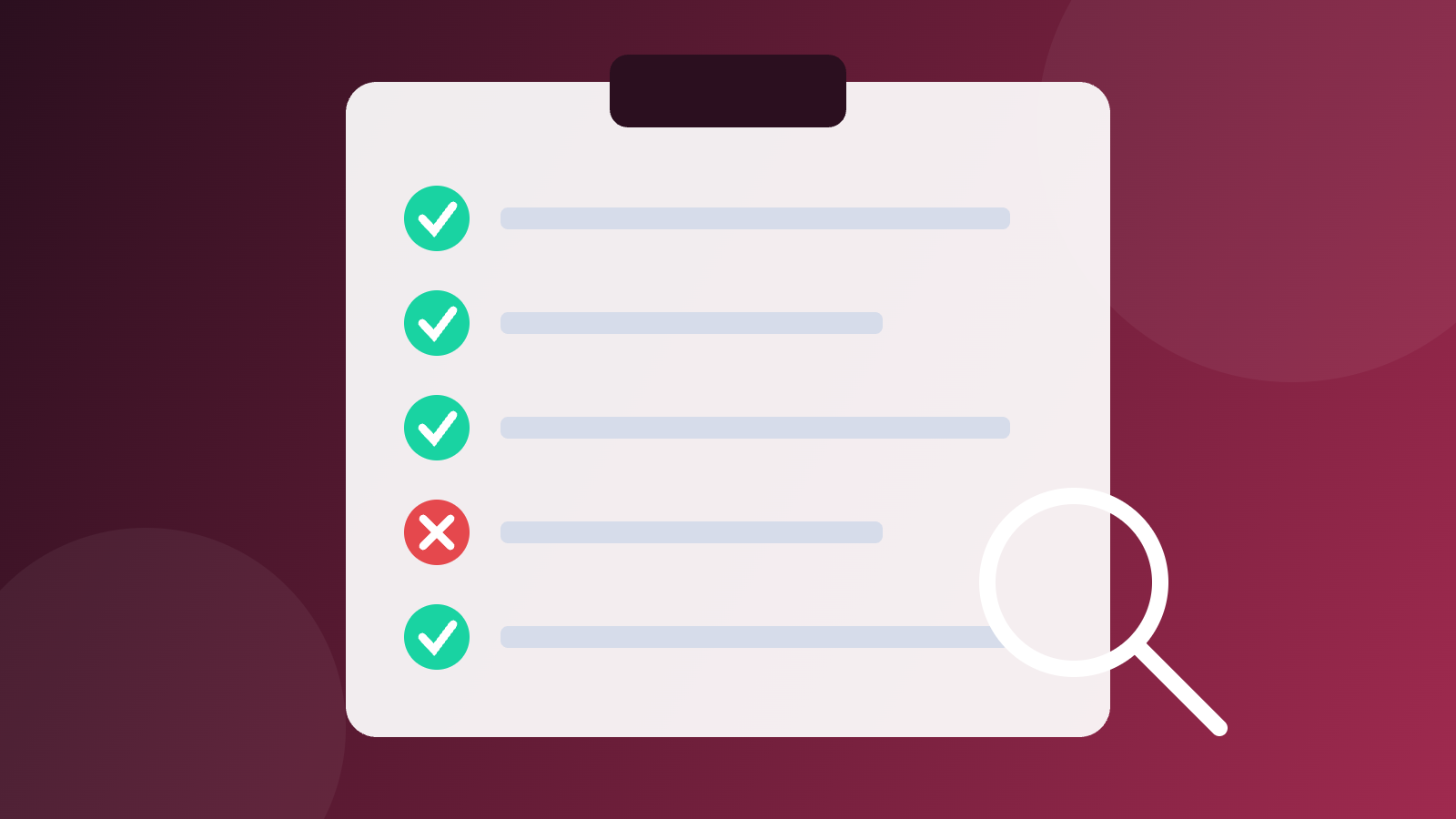
- Click a tagged link, submit the form, and check that the values appear on the new contact.
- Import a small sample of contacts and confirm nothing breaks.
- Try exporting your data, to make sure you can leave if you need to.
- Read the limits page for users, contacts, storage, and features, and write down the point where you’d have to pay.
When should you upgrade from a free CRM?
Upgrade when a specific limit stops you doing something valuable, such as needing another user, automation, better reporting, or more records. Don’t upgrade because of a prompt. The free plans above are meant to be used properly, and most small businesses can go a long way on them.
Once leads flow in, compare the CRM’s numbers with your analytics and expect differences, which we explain in why analytics and CRM numbers never match.
Free CRM FAQ
What is the best free CRM for a small business?
It depends on your team size, your tools, and what you need to track. HubSpot, Zoho CRM, Bitrix24, Brevo, and Capsule all have free plans. Compare their current limits and test one with a real form before committing.
Is a free CRM really free?
Most offer a free plan with limits on users, contacts, records, or features. You pay only if you need more. Always check current limits, because providers change them.
Do I need a CRM if I already use a spreadsheet?
A spreadsheet can work for very small volumes. A CRM becomes worthwhile when you need a clear pipeline, email logging, forms, and a reliable record of which campaign produced each lead.
What should a CRM store for marketing attribution?
At least the source, medium, and campaign for each lead, captured through hidden form fields. You can add more, such as the landing page, if you need it.
About the author: Stephen Leahy is a multi-award-winning digital marketing specialist with more than a decade of experience in SEO, GEO, and web analytics. Read his full profile.