Written by Stephen Leahy · Last updated 23 November 2026
Quick answer: search intent mismatch happens when a visitor arrives wanting one thing and your page offers another, so they leave. You fix it by working out what searchers actually need, teaching them the difference between their options at the top of the page, and giving them a clear route to the right next step, even if that isn’t the product you first had in mind.
Every page on your site is a promise. The search result says “here is what you’re looking for”, and the visitor clicks. If the page then pushes a product they didn’t ask about, or assumes they already know what they need, many of them bounce. This guide shows how to spot search intent mismatch, how to design pages that educate before they sell, and how to check whether the fix worked.
What is search intent mismatch?
Search intent is the reason behind a search. Search intent mismatch is the gap between that reason and what your page delivers. It is rarely about a bad page. It is usually about the wrong page for that person at that moment.
| Type of intent | What the visitor wants | Page that fits |
|---|---|---|
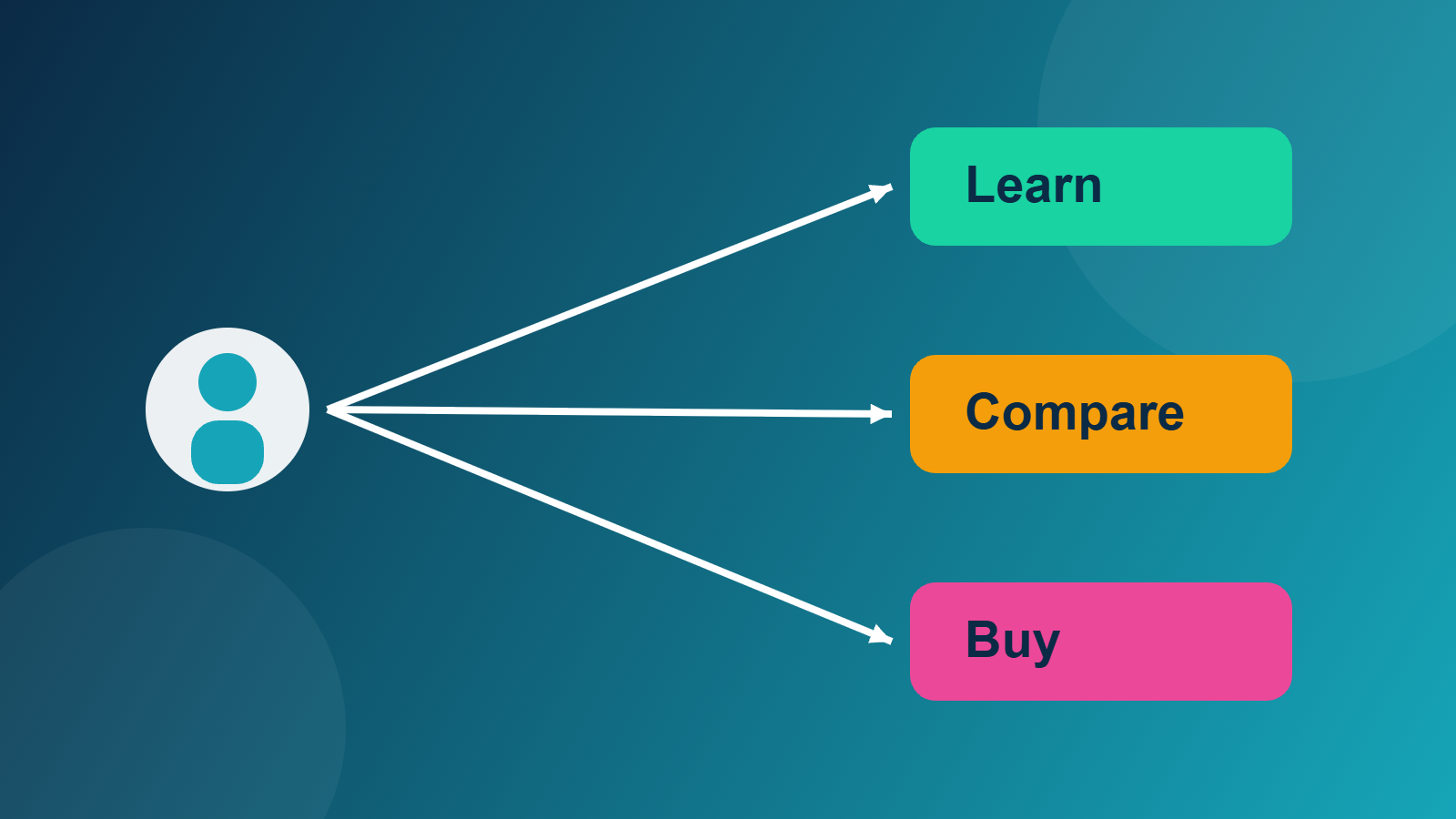
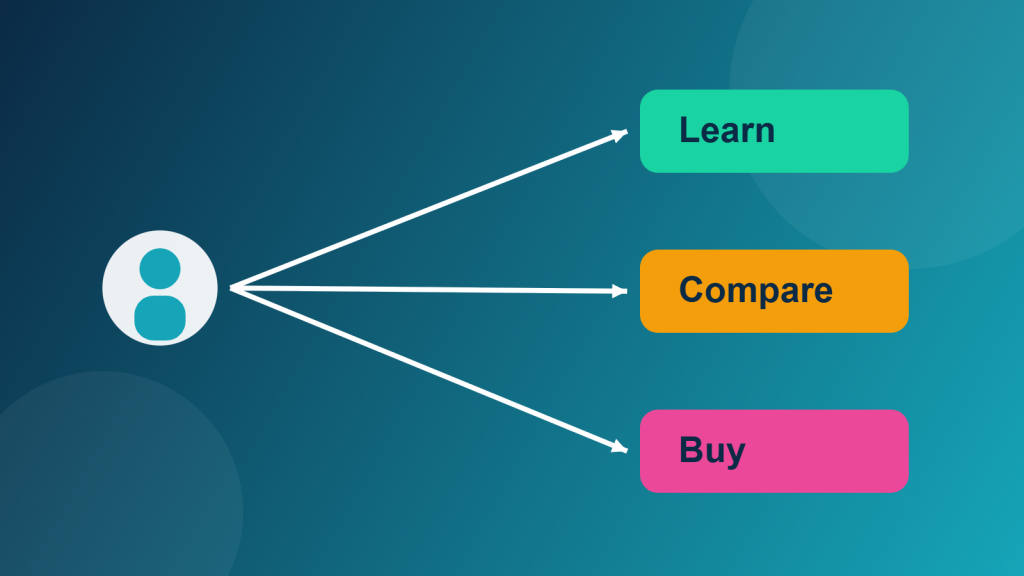
| Informational | To learn or understand something | A guide, explainer, or comparison |
| Commercial | To compare options before deciding | A comparison or “best for” page |
| Transactional | To buy or sign up now | A product, pricing, or sign-up page |
| Navigational | To reach a specific site or page | A clear, findable destination |
Mismatch occurs when, for example, someone with informational intent lands on a hard-sell page, or someone who hasn’t yet understood the difference between two similar products is sent straight to one of them.
How do you spot a search intent mismatch?
- Compare queries with pages. In Search Console, look at which searches bring people to a page, and ask whether the page truly answers them.
- Watch engagement. Pages with plenty of visits but little scrolling, few clicks onward, and few conversions are suspects. Remember that your analytics only sees consenting visitors, as explained in how much traffic your analytics actually sees.
- Read the results page. Search your target phrase and see what kinds of pages rank. If they are all guides and yours is a sales page, intent probably differs.
- Look for pages that push people away. Some pages send visitors to a different product, brand, or service because the visitor’s query didn’t quite match what you sell. That is a signal the page should explain the difference first.
- Ask your sales team. If leads often say “I wasn’t sure what I needed,” your pages may not be educating enough.
The educate-first page structure
When visitors may be confusing two similar options, the most effective fix is to teach them the difference at the top of the page, then route them. This works in almost any industry where the choice isn’t obvious: software types, service levels, product categories, and so on.
- Name the confusion plainly. Start with a short section such as “Do you need A or B?”
- Explain the difference in a few lines, ideally with a small comparison table.
- Offer clear routes. One link for “I need A,” another for “I need B,” and a third for “I’m still not sure.”
- Keep the original content below for visitors whose intent already matched.
- Don’t hide the other option. Sending someone to the right place builds more trust than keeping them on the wrong page.
How to measure whether the fix worked
Define success before you change anything, using the events in your tracking plan. Useful measures include clicks on the routing links, scroll depth, conversions on the destination pages, and the share of visitors who continue to a next step. Make one change at a time, give it enough time to collect data, and compare against the period before. If your numbers move oddly, run through the checks in our guide on signs you need a tracking audit.
Search intent and AI search
The same habit helps with AI answers. Pages that state the difference between options clearly, near the top, are easier for AI tools to understand and cite, which fits our beginner’s guide to generative engine optimisation. For general guidance on helpful content, Google also publishes Search Central documentation.
Quick checklist
- You know the main intent behind each page’s top searches
- Pages for confused visitors explain the difference first
- Every page offers a clear route for each type of visitor
- You’ve defined the measures that show whether the page works
- You’ve reviewed pages with high visits and low engagement
Search intent mismatch FAQ
What is search intent?
Search intent is the underlying goal behind a search, such as learning something, comparing options, or buying. Pages perform best when they match it.
What causes search intent mismatch?
Usually a page that targets a phrase without reflecting what searchers want, such as a sales page for an informational query, or a page that assumes visitors already know which option they need.
How do I fix a page with the wrong intent?
Decide what the main visitor intent is, add a short educational section at the top that explains the difference between the options, and give clear routes to the right next step. Then measure the result.
Should I send visitors to a different page if it fits them better?
Often yes. Routing visitors to the page that truly fits builds trust and usually improves results over time, even if some of them leave your original product page.
About the author: Stephen Leahy is a multi-award-winning digital marketing specialist with more than a decade of experience in SEO, GEO, and web analytics. Read his full profile.