Written by Stephen Leahy · Last updated 4 October 2026
Quick answer: Google Consent Mode is a way for your consent banner to tell Google’s tags what a visitor has agreed to, so the tags adjust how they behave. It doesn’t replace a consent banner and it doesn’t make tracking compliant by itself. It passes the visitor’s choice to Google’s tools, and in some setups lets Google estimate the conversions it can no longer observe.
If you use Google Analytics or Google Ads and have visitors in the EU or UK, you will keep hearing about Google Consent Mode. The idea is simple, but the details are easy to get wrong. This beginner’s guide explains what it does, the two modes, the signals it uses, how to set it up and test it, and where the privacy questions sit. It builds on our guides to cookie banner compliance and how much traffic your analytics misses.
This is general information, not legal advice. Google changes how Consent Mode works from time to time, so check its current documentation and confirm your setup with a qualified adviser.
Disclosure: this post contains an affiliate link to Cookiebot (Usercentrics). If you buy through it, I may earn a commission at no extra cost to you. See my affiliate disclosure.
What is Google Consent Mode?
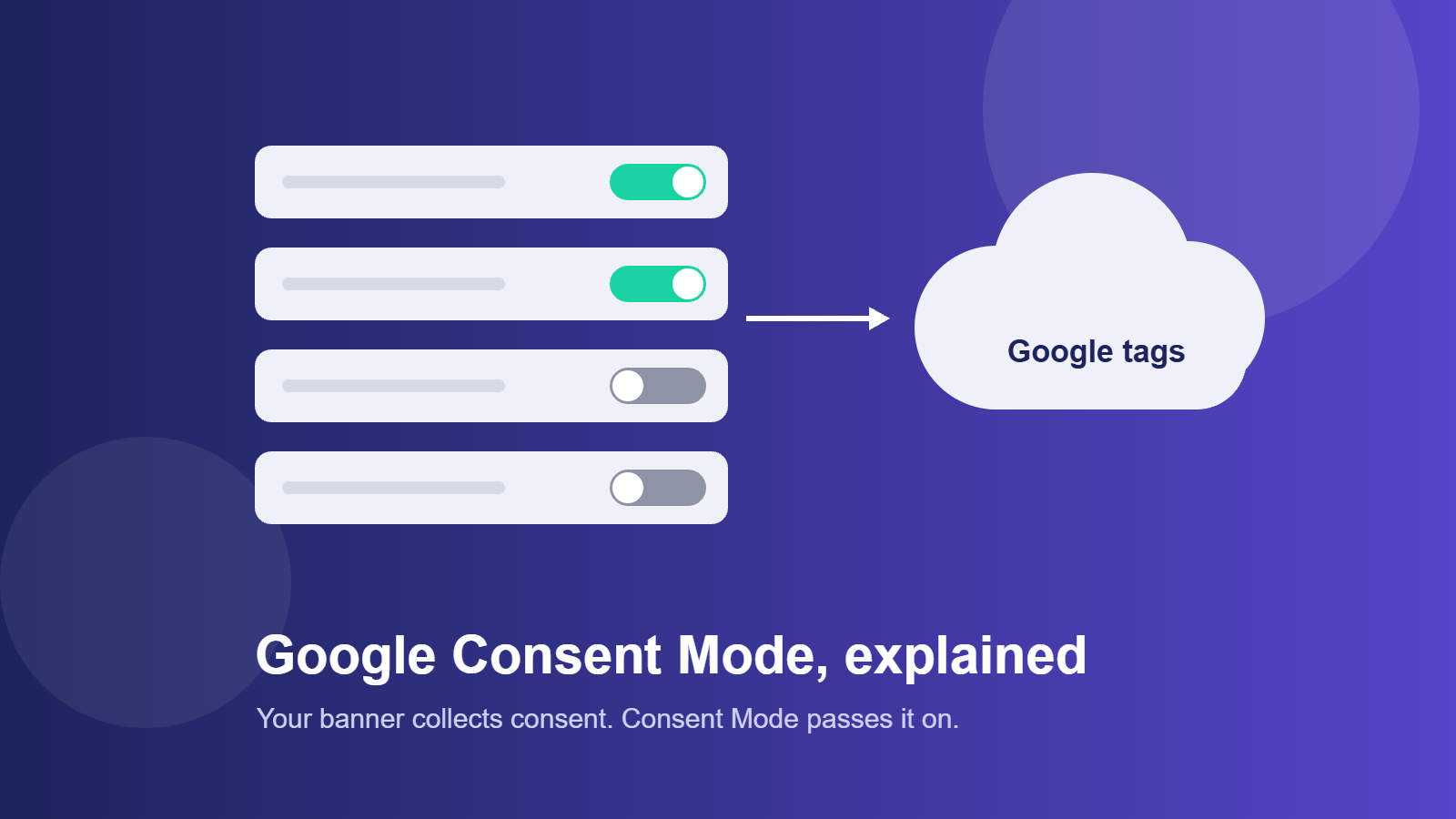
Normally, a consent banner decides whether your tags load. Consent Mode adds a second layer: it passes the visitor’s choice to Google’s tags as signals, and the tags adjust their behaviour accordingly. A tag can, for example, avoid using cookies for analytics when the visitor hasn’t agreed.
Think of it as a message from your banner to Google: “this visitor has agreed to analytics but not to advertising.” It is the banner that collects consent. Consent Mode only communicates it.
The consent signals explained
| Signal | What it covers |
|---|---|
| analytics_storage | Whether analytics cookies and similar storage can be used |
| ad_storage | Whether advertising cookies and similar storage can be used |
| ad_user_data | Whether user data can be sent to Google for advertising |
| ad_personalization | Whether data can be used for personalised advertising |
The last two were added in the second version of Consent Mode, often called Consent Mode v2, mainly for advertising in the European Economic Area. Check Google’s documentation for the current requirements for your products.
Basic versus advanced Consent Mode
| Mode | What happens before consent | What Google can do |
|---|---|---|
| Basic | Google tags don’t load at all until the visitor makes a choice | Only measures visitors who accept. Modeling has less data to work with. |
| Advanced | Tags load, but send limited signals without cookies if consent is denied | Can use those signals to estimate, or model, some of the activity it can’t observe directly |
Advanced mode can recover some measurement, but it also sends data to Google before consent. Whether that is acceptable depends on your legal advice and your own risk view, so decide deliberately rather than by default.
Does Consent Mode make you compliant?
No. It is a technical mechanism, not a legal solution. You still need a compliant banner that asks properly, offers an equal reject option, and doesn’t use pre-ticked boxes. Ireland’s Data Protection Commission publishes guidance on cookies and similar technologies, and the principles in it apply however your tags are configured.
How to set up Google Consent Mode
- Start with a compliant banner, from a consent management platform that supports Consent Mode, such as Cookiebot. Check that your chosen tool supports it.
- Set default consent states, typically denied, so nothing is assumed before the visitor chooses.
- Pass the visitor’s choice to Google’s tags when they accept or reject. Most consent tools can do this for you once enabled.
- Check your tag settings so each tag respects the relevant signals.
- Document your choice of basic or advanced mode in your tracking plan.
Google explains the technical steps in its consent mode documentation.
How to test your Consent Mode setup
- Open your site in a private window and check cookies before you interact with the banner.
- Reject all, reload, and confirm no analytics or advertising cookies appear.
- Accept, and confirm your analytics records the visit.
- Use Google’s tag debugging tools to confirm the consent states change when you make a choice.
- Retest after every site, plugin, or banner update.
Common Consent Mode mistakes
- Assuming it replaces a banner. It doesn’t collect consent.
- Wrong default states, so tags behave as if consent was already given.
- Choosing advanced mode without thinking it through, then discovering data is sent before consent.
- Expecting full data back. Modeled numbers are estimates and not a substitute for real counts.
- Never retesting. Changes to your site or banner can quietly break the signals.
Google Consent Mode FAQ
What is Google Consent Mode?
It is a way for your consent banner to tell Google’s tags what a visitor has agreed to, so the tags can adjust their behaviour. It passes the visitor’s choice. It doesn’t collect consent itself.
Is Google Consent Mode required?
Requirements depend on the Google products you use and where your visitors are. For advertising in the European Economic Area, Google has set requirements, so check its current documentation.
What is the difference between basic and advanced Consent Mode?
In basic mode, Google tags don’t load until the visitor chooses. In advanced mode they load and send limited signals without cookies if consent is denied, which Google can use for modeling.
Does Consent Mode recover all the data I lose when visitors decline?
No. At best it allows Google to estimate some of the activity it can’t observe. Those figures are modeled, not real counts.
About the author: Stephen Leahy is a multi-award-winning digital marketing specialist with more than a decade of experience in SEO, GEO, and web analytics. Read his full profile.